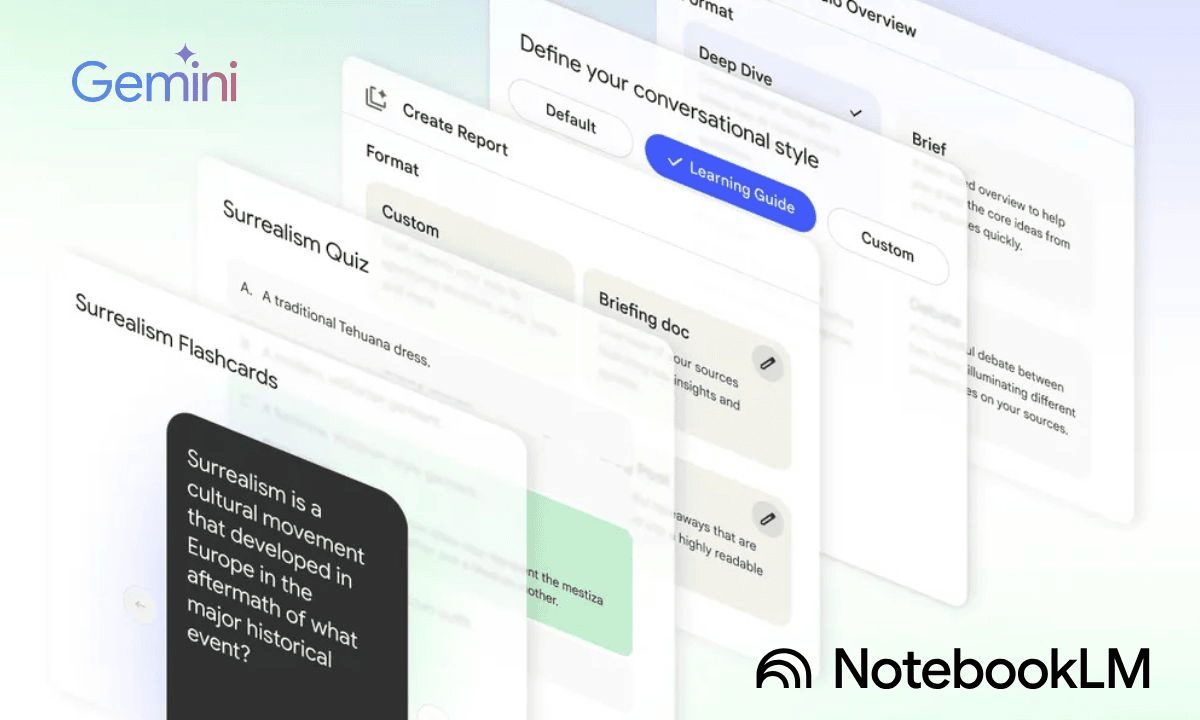
In today’s fast-paced digital environment, professionals constantly seek methods to streamline workflows and maximize efficiency. This comprehensive guide explores how combining Gemini’s intelligent research capabilities with NotebookLM’s automated organization features can transform how you learn, analyze information, and create presentations, potentially increasing your productivity tenfold.
Modern professionals face overwhelming information volumes daily, making efficient processing and presentation crucial for success. While traditional methods require hours of manual work, innovative AI-powered tools now offer automated solutions that dramatically reduce time investment while improving output quality. This article examines practical strategies for leveraging Gemini and NotebookLM together, creating seamless workflows that eliminate repetitive tasks and focus your energy on high-value activities.
Contents
- Understanding the Power of AI-Assisted Workflows
- Gemini: Your Intelligent Research and Learning Assistant
- NotebookLM: Automated Organization and Presentation Creation
- Combining Gemini and NotebookLM: The Complete Workflow
- Who Should Use This Workflow
- Best Use Cases for Maximum Impact
- Tips for Getting Better Results
- Common Mistakes to Avoid
- Measuring Productivity Improvements
- Summary
Understanding the Power of AI-Assisted Workflows
Before diving into specific tools, it’s essential to recognize why automation matters in contemporary work environments. Information overload creates bottlenecks that prevent professionals from focusing on strategic thinking and creative problem-solving. When routine tasks consume excessive time, productivity suffers, and growth opportunities diminish. AI-powered automation addresses these challenges by handling time-intensive processes, allowing humans to concentrate on tasks requiring judgment, creativity, and interpersonal skills.
The combination of intelligent research tools and automated organization platforms represents a significant advancement in productivity technology. These systems don’t simply replace human effort; they amplify human capabilities by removing barriers and enabling faster decision-making through better information access and presentation.
Gemini: Your Intelligent Research and Learning Assistant
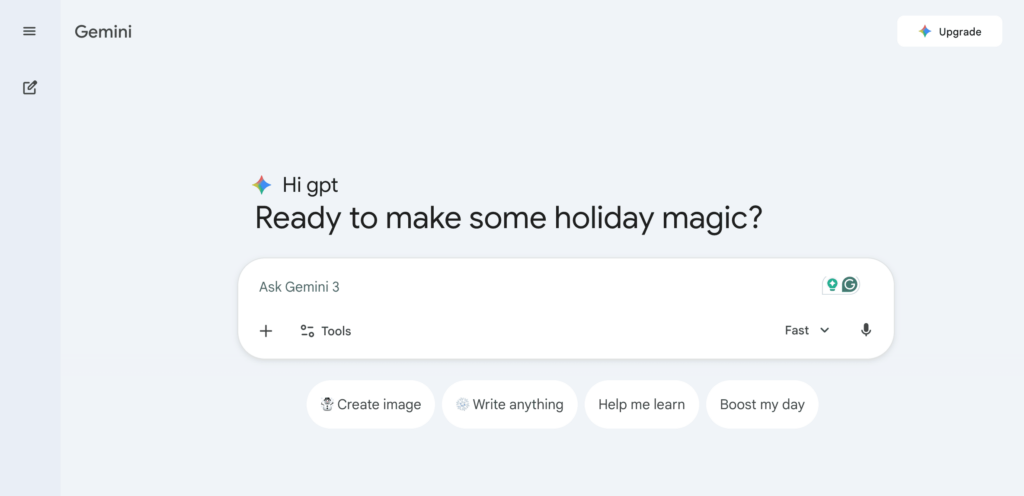
Gemini functions as an advanced AI research companion that transforms how professionals gather and understand information. Unlike traditional search engines that return lists of links, Gemini provides synthesized answers, contextual understanding, and intelligent summaries that save hours of reading time.
Key Capabilities That Transform Research
Gemini excels at rapid information retrieval through natural language queries, enabling users to find relevant data without navigating multiple websites or reading lengthy documents. When you need to understand complex topics quickly, Gemini analyzes available sources and presents coherent explanations that capture essential points while filtering out irrelevant details.
The tool’s intelligent summarization feature proves particularly valuable for professionals dealing with extensive reports, research papers, or documentation. Instead of spending hours reading through material, users receive concise overviews that highlight critical information, key findings, and actionable insights. This capability becomes especially powerful when working with technical content or industry-specific materials that require a deep understanding.
Personalized learning path recommendations represent another significant advantage. Gemini analyzes your interests, current knowledge level, and learning objectives to suggest relevant resources, creating customized educational journeys that adapt to your specific needs. This personalized approach ensures you spend time on materials that genuinely advance your understanding rather than generic content that may not align with your goals.
Practical Applications in Professional Settings
Business professionals use Gemini to quickly research market trends, competitor strategies, and industry developments before important meetings or decision-making sessions. Researchers leverage its capabilities to explore academic literature, identify relevant studies, and understand complex methodologies without spending days in libraries or databases. Students find value in its ability to explain difficult concepts, provide study guides, and recommend supplementary materials that enhance comprehension.
NotebookLM: Automated Organization and Presentation Creation
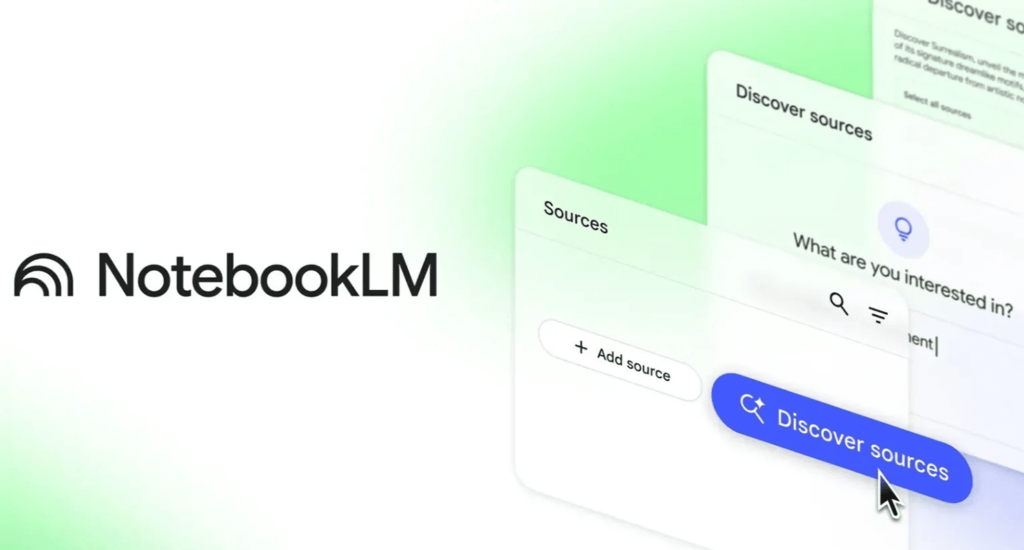
NotebookLM serves as an intelligent workspace that transforms scattered notes and research materials into organized, actionable documents and professional presentations. The platform addresses one of the most common productivity challenges: information fragmentation across multiple sources, formats, and locations.
Automatic Note Organization and Categorization
The platform’s automatic note organization feature eliminates the tedious task of manually sorting and categorizing information. When you import notes from various sources—whether typed documents, handwritten scans, or voice recordings—NotebookLM analyzes content, identifies themes and topics, and creates logical groupings that make information easy to locate and reference later.
This intelligent categorization extends beyond simple keyword matching. The system understands context, recognizes relationships between different pieces of information, and creates organizational structures that reflect how concepts connect. Users benefit from finding related information quickly, even when notes were created weeks or months apart, because the system maintains awareness of content relationships.
Intelligent Presentation Generation
Creating professional presentations traditionally requires significant time investment: selecting relevant content, designing layouts, writing speaker notes, and ensuring visual consistency. NotebookLM automates these processes by analyzing your organized notes and generating presentation-ready materials that maintain professional standards while accurately representing your content.
The presentation generation feature doesn’t simply copy text into slides. Instead, it identifies key points, creates logical flow between topics, suggests appropriate visual elements, and formats content for maximum impact. Users can customize generated presentations, but the initial automated version provides a solid foundation that dramatically reduces creation time.
Collaboration and Sharing Features
Modern work increasingly requires team collaboration, and NotebookLM facilitates seamless sharing and collaborative editing. Team members can access shared notebooks, contribute additional notes or insights, and work together on presentation development without version control issues or formatting conflicts. The platform’s sharing capabilities ensure that everyone stays aligned while maintaining document integrity and professional appearance.
Combining Gemini and NotebookLM: The Complete Workflow
While each tool offers individual benefits, their true power emerges when used together in integrated workflows. The combination creates a seamless pipeline from initial research through final presentation, eliminating manual transitions and reducing opportunities for information loss or misinterpretation.
Step 1: Information Gathering and Learning with Gemini
Begin your workflow by using Gemini to explore topics, gather relevant information, and develop understanding. Start with broad queries to establish context, then narrow your focus as you identify specific areas requiring deeper investigation. Gemini’s ability to provide synthesized answers means you can quickly build comprehensive knowledge without getting lost in information overload.
As you research, take advantage of Gemini’s summarization capabilities for lengthy documents or articles. Instead of reading entire sources, request summaries that capture essential points, then dive deeper into specific sections that seem most relevant to your objectives. This approach maximizes learning efficiency while ensuring you don’t miss critical information.
Step 2: Note Import and Analysis in NotebookLM
Once you’ve gathered sufficient information through Gemini, import your research notes, summaries, and key findings into NotebookLM. The platform automatically organizes imported content, identifying connections between different pieces of information and creating logical structures that support your analysis.
NotebookLM’s analysis features help you identify patterns, extract key insights, and understand relationships between different concepts. The system can highlight important themes, suggest areas requiring additional research, and help you develop a comprehensive understanding of your topic. This automated analysis saves hours of manual review while often revealing insights you might have missed through traditional methods.
Step 3: Presentation Creation and Sharing
With organized and analyzed content in NotebookLM, generate your presentation using the platform’s automated creation tools. The system draws from your organized notes, creates a logical flow, and formats content professionally. Review the generated presentation, make any necessary customizations, and then share with team members or stakeholders as needed.
The entire process—from initial research to final presentation—can be completed in a fraction of the time required by traditional methods. What once took days or weeks now requires hours, and the quality often improves because automated organization ensures nothing important gets overlooked.
Who Should Use This Workflow
This integrated approach benefits various professional groups.
- Business professionals preparing reports, market analyses, or strategic recommendations find it invaluable for quickly synthesizing information and creating compelling presentations.
- Researchers and academics use it to organize literature reviews, analyze findings, and prepare conference presentations or papers.
- Students leverage these tools to study more effectively, organize research for projects, and create polished presentations for classes.
- Content creators, consultants, and knowledge workers who regularly need to process information and present findings also benefit significantly.
The workflow particularly suits professionals who handle multiple projects simultaneously, as it reduces context-switching overhead and helps maintain organization across different work streams.
Best Use Cases for Maximum Impact
Certain scenarios demonstrate particularly strong returns on investment when using Gemini and NotebookLM together. Preparing for important client meetings becomes more efficient when you can quickly research industry trends, competitor information, and relevant case studies, then organize findings into compelling presentations. Market research projects benefit from rapid information gathering and automated organization that reveals patterns and insights.
Academic research workflows improve dramatically when literature reviews can be synthesized quickly, notes organized automatically, and findings presented professionally. Training and educational content creation become more efficient when you can research topics thoroughly, organize information logically, and generate presentation materials that support learning objectives.
Tips for Getting Better Results
To maximize effectiveness, start with clear objectives before beginning research. Knowing what you want to achieve helps Gemini provide more relevant information and enables NotebookLM to organize content more effectively. Use specific queries rather than vague questions when working with Gemini, as precise requests yield better results.
When importing notes into NotebookLM, include context and source information whenever possible. This helps the system understand relationships between different pieces of information and creates a more meaningful organization. Review automated presentations before sharing, making customizations that reflect your personal style or organizational requirements.
Regularly update your notebooks as new information becomes available, allowing the system to maintain current and comprehensive knowledge bases. Take advantage of collaboration features to incorporate team members’ insights and perspectives, creating more robust final products.
Common Mistakes to Avoid
One frequent error involves treating these tools as complete replacements for critical thinking rather than productivity enhancers. While automation handles routine tasks effectively, human judgment remains essential for evaluating information quality, making strategic decisions, and ensuring content accuracy. Always review automated outputs rather than accepting them without examination.
Another mistake involves over-relying on summaries without reading source materials when a deep understanding is required. Summaries work well for overviews and quick reference, but complex topics often require examining sources to fully grasp nuances and implications. Balance efficiency with thoroughness based on your specific needs.
Avoid importing unorganized or low-quality notes into NotebookLM, as the system works best with reasonably structured input. While it can organize scattered information, providing clear, well-formatted notes from the start produces better results. Similarly, don’t skip the review step when generating presentations, as automated outputs benefit from human refinement.
Measuring Productivity Improvements
Professionals using this integrated workflow typically report significant time savings. Research that previously required days can be completed in hours. Note organization that consumed entire afternoons now happens automatically. Presentation creation that took weeks can be finished in days. These time savings compound over weeks and months, creating substantial productivity gains.
Beyond time savings, many users report improved output quality because automated organization ensures comprehensive coverage and logical flow. The reduced cognitive load from handling routine tasks allows professionals to focus on higher-value activities like strategic thinking, creative problem-solving, and relationship building.
Summary
Combining Gemini’s intelligent research capabilities with NotebookLM’s automated organization features creates powerful workflows that can dramatically increase productivity. By automating routine tasks like information gathering, note organization, and presentation creation, professionals gain time for strategic work while often improving output quality.
The integrated approach transforms how professionals learn, analyze information, and communicate findings. Whether you’re preparing business reports, conducting research, or creating educational content, these tools work together to streamline processes and amplify human capabilities. Success requires understanding each tool’s strengths, using them in complementary ways, and maintaining human oversight to ensure quality and accuracy.
As AI-powered productivity tools continue evolving, professionals who learn to leverage them effectively gain significant competitive advantages. The combination of Gemini and NotebookLM represents just one example of how thoughtful tool integration can transform work processes and create substantial productivity improvements.